
It's Time to Build
How Anyone Can Ship Real Products with AI
The New Reality
"There are no limits anymore. Anyone can do anything. The only limiting factors are agency and ambition.
Never has a college degree, work experience, network, even the accumulation of knowledge been worth less.
You can just ship things."
This is not a prediction. This is happening right now.

I wasn't familiar with "pull requests."
Building my first commercial product — Joe Speaking — a real application with user authentication, payment processing, cloud infrastructure, and production deployment.

Joe Speaking
Even though I haven't officially released the product yet, I've already landed 3 customers from Australia, Japan, and China.
I am a living example of what's possible.
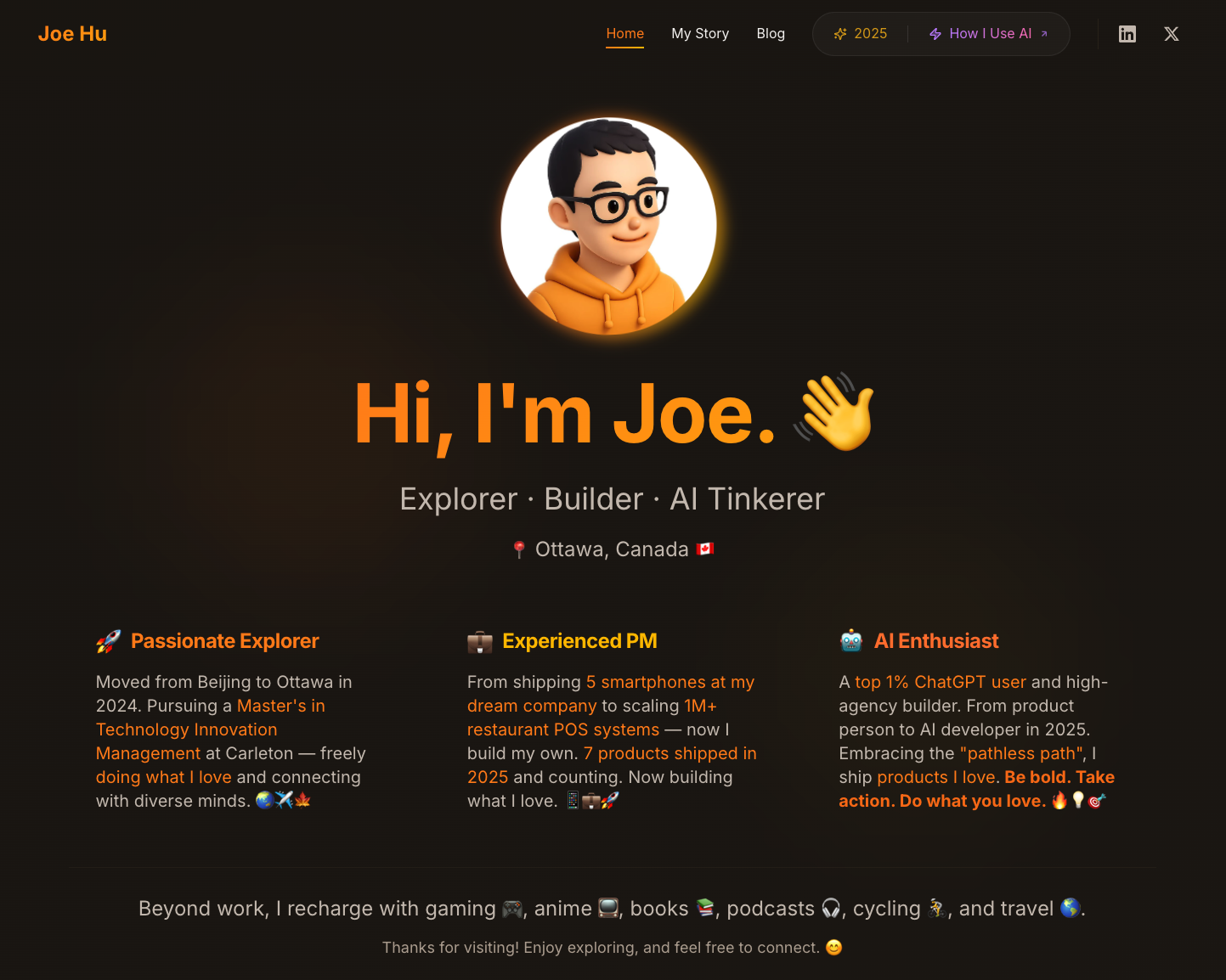
My personal website — built with AI — hubeiqiao.com
AGI Ventures Canada Hacker House
This month, I'm at Ottawa's first AGI Ventures Canada Hacker House — building my first commercialized product alongside high-agency people who believe in shipping fast.

From Idea to Incorporation
After one full month of subscribing to Claude Max, I registered my first company:
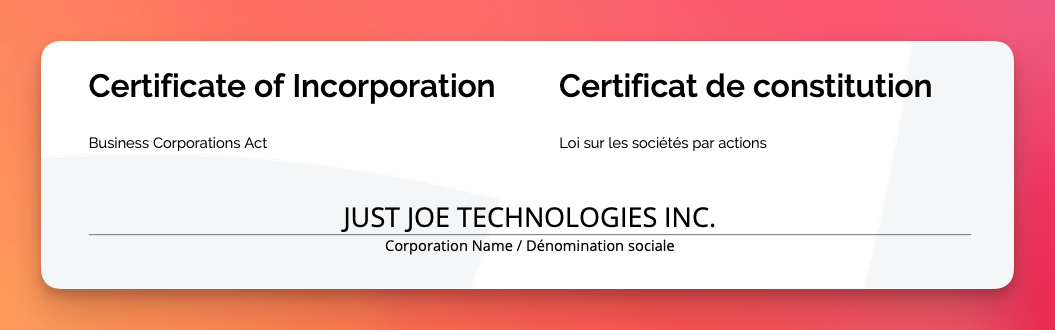
CEO & Founder of Just Joe Technologies
A one-person company with AI troops!
Alpha test launching in 10 days — powered by Opus, Gemini, and OpenAI APIs.
It's time to build.
I'm here today to share what I've learned — because I believe anyone can do this.
What This Workshop Is About
I'm not here to teach you to code.
I'm here to show you that you don't need to know how to code to build real products.
This is about something more fundamental: the mindset shift from consumer to builder.
The rules have changed. Everyone is going to have the power to do everything they want, starting from the digital world and then the physical.
Live Demo: Watch This Document Transform Into a Website
~15 minRight now, you're looking at plain text.
This markdown document — simple formatting, no colors, no layout, no interactivity — is about to become something completely different.
The website you're viewing right now? We built it in ~15 minutes using this exact process.
In the next 15 minutes, you will witness:
Why start with this?
Because seeing is believing. I could tell you that anyone can build products with AI. But showing you — in real-time — is infinitely more powerful.
By the end of this demo, you'll understand:
- What AI can actually do
- How fast modern development can be
- Why the old barriers no longer exist
The Tool: Claude Code
This is Claude Code — an AI coding assistant that runs in your terminal. You type what you want in plain English, and it writes the code, creates files, and runs commands for you.
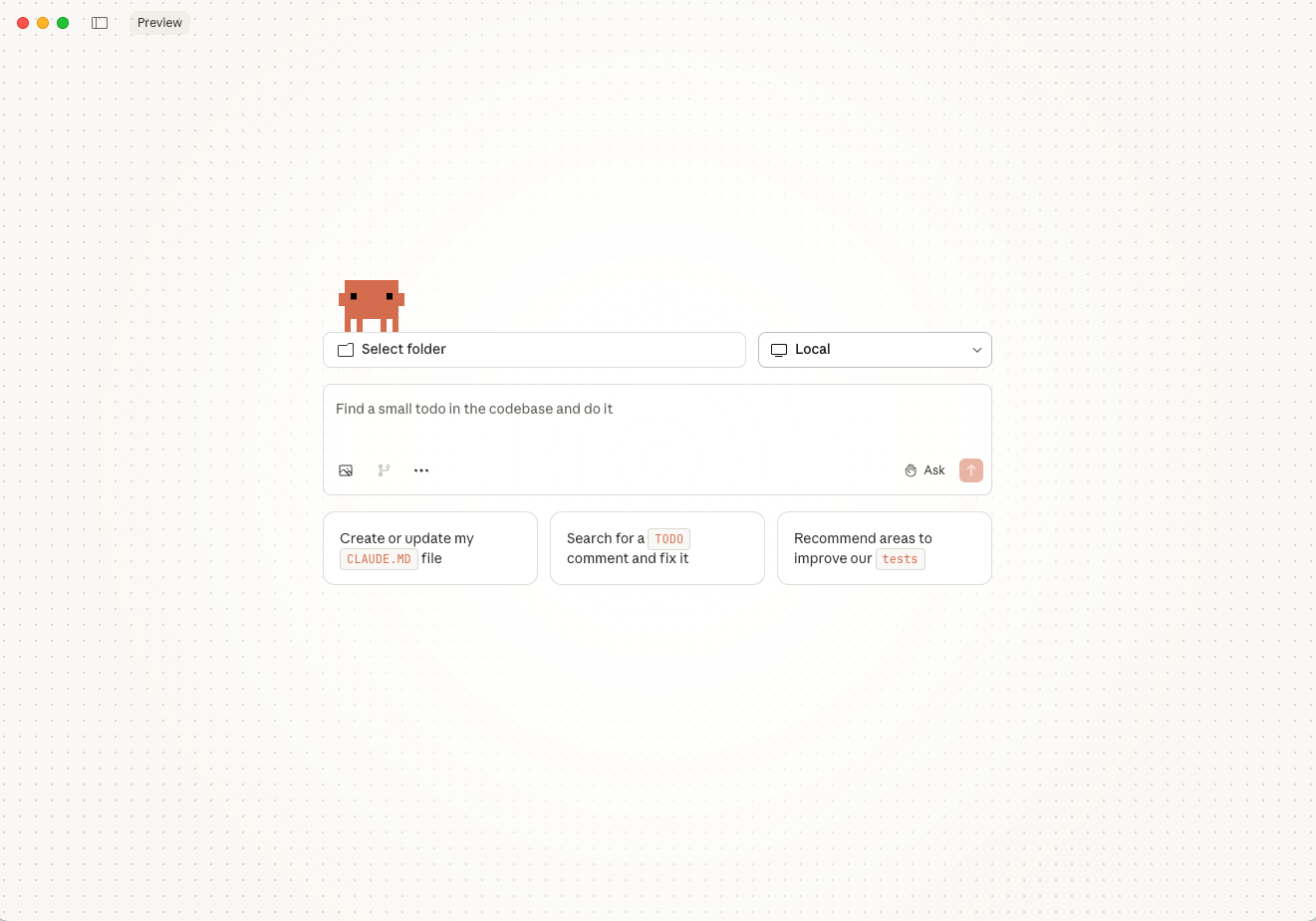
Demo Prompt (What I'm About to Say to AI)
This is the exact prompt I'll use — notice how it's written in plain English, not code:
First, read and understand everything in the "workshop-carleton-202601" folder,
including this workshop guide and all images.

Then, use /frontend-design — think like a professional UI/UX designer
with expertise in modern web aesthetics, typography, and visual hierarchy.

I want you to transform this document into a stunning, beautiful, and aesthetic
website for people who couldn't attend this workshop to experience the content.

CONTENT REQUIREMENTS:
- Use this workshop guide (workshop-guide.md) as the complete source
- DO NOT compact or summarize any content — every section must appear on the website
- Preserve all images and integrate them beautifully into the design

DESIGN REQUIREMENTS:
- Create a modern, professional design that reflects innovation and accessibility
- Use the hero image (01-vibe-engineering-hero.png) prominently
- Ensure excellent typography and visual hierarchy
- Add smooth scrolling and subtle animations where appropriate
- Design must be mobile-responsive and work beautifully on all screen sizes

TECHNICAL REQUIREMENTS:
- Add proper metadata for social media sharing (Open Graph, Twitter cards)
- Set up favicon using the author's avatar
- Optimize for fast loading
- Ensure accessibility standards are met

AUTHOR INFORMATION TO INCLUDE:
- Website: hubeiqiao.com
- X/Twitter: @hubeiqiao
- LinkedIn: linkedin.com/in/hubeiqiao

INTEGRATION:
- Find an appropriate place on the main page (index.html) to add a link or section
  for this workshop/sharing session so visitors can discover it

PROCESS:
1. First, review all available images in the images folder
2. Create a design plan before coding
3. If anything is unclear, ask me questions using "ask-questions-if-underspecified"
4. After building, use browser preview to verify the design
5. Check that all images display correctly and are appropriately sized
6. Verify mobile responsiveness

Please begin by reviewing the content and images, then present your design plan.
Review Prompt (After Building)
After the website is built, use this prompt to review and refine:
Please review the website design using /agent-browser and /frontend-design skills. Ensure the image sizes and colors look appropriate, and confirm the site works well on small screens.What to Watch For During the Demo
As AI works, notice:
- The conversation — I'm directing, not coding
- The iterations — Things don't have to be perfect first try
- The speed — What used to take days happens in minutes
- The questions — AI asks for clarification when needed
- The result — A real, deployed website
The Result? You're Looking at It.
This entire website — the design, animations, responsive layout, all 2,700+ lines of code — was built using the exact process described above.
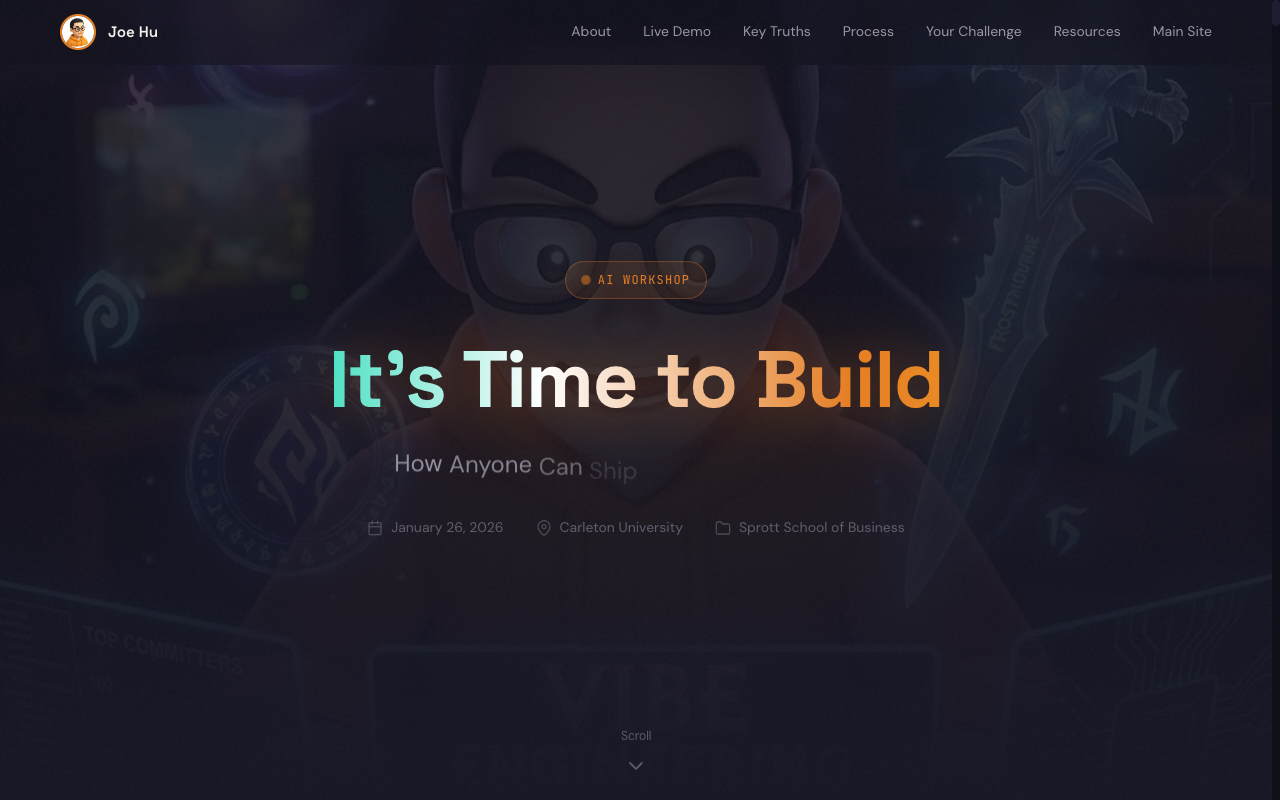
Three Truths for the AI Era
You Can Now Build an Entire Product on Your Own
A single person with the right tools can now accomplish what once required a team of 10. The barrier to entry has collapsed.
AI Is Powerful, But You Still Need Clear Planning
The bottleneck is not AI's capability. It's your ability to articulate what you want. AI amplifies your clarity.
The Most Effective Way to Learn Is by Doing
You learn by building. You learn by shipping. You learn by doing. The first step is always the hardest.
- Have an idea
- Find a technical co-founder
- Raise money
- Hire engineers
- Wait months or years
- Have an idea
- Open your laptop
- Build it yourself
- Ship it this week
Write First, Then Use AI
Here's what most people get wrong: They think AI is magic. They type vague requests and expect perfect results. This doesn't work.
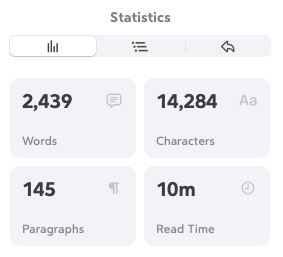
What works: Write down what you want BEFORE you talk to AI. Be specific about your requirements. Break big tasks into smaller pieces. Document your decisions.
If your thinking is fuzzy, your results will be fuzzy.
Learn by Doing
You cannot learn to swim by reading a book about swimming. You cannot learn to build products by watching tutorials forever.
Every successful builder I know started by making something — often something imperfect, often something small.
What Does "Building" Actually Look Like?
Let's demystify this.
What AI Can Help You Create
- Websites: Personal portfolios, landing pages, full web applications
- Documents: Reports, presentations, professional materials
- Tools: Automation scripts, data analysis, custom utilities
- Products: Real applications that solve real problems
A Simple Mental Model
Think of AI as an extremely capable assistant who:
- Can write code in any programming language
- Can search the internet for information
- Can read and modify files on your computer
- Can run commands and see results
- Works 24/7 without getting tired
But this assistant needs you to:
- Tell them what to build
- Make decisions when there are choices
- Test if the result matches what you wanted
- Guide them when something goes wrong
You are the director. AI is your production team.
The Process: From Idea to Reality
Start with What You Want (Not with AI)
Before you touch any AI tool, answer these questions:
- What problem am I solving?
- Who is this for?
- What does "done" look like?
- What are the must-have features?
Write this down. In plain language. Don't worry about technical terms.
Before talking to AI, prepare a document that includes:
- WHAT you want to build (purpose, audience, goals)
- CONTENT requirements (what sections, what information)
- DESIGN preferences (style, colors, inspiration references)
- TECHNICAL needs (mobile-responsive, accessibility, etc.)
- IMAGES & SCREENSHOTS you'll provide (logos, photos, examples)
- AUTHOR/CONTACT information to include
Let AI Help You Plan
Once you know what you want, AI can help you figure out how to build it.
The key technique: Ask AI to ask you questions.
When AI asks clarifying questions:
- Answer honestly (even "I don't know" is fine)
- Let AI suggest options when you're unsure
- Make decisions, even if they feel arbitrary
Remember: A decision made is better than endless deliberation.
Build Incrementally
Don't try to build everything at once.
The Golden Rule: One piece at a time.
"Build me an entire e-commerce website with user accounts, shopping cart, payment, inventory management, and admin dashboard."
"First, let's create a simple page that displays three products with images and prices."
Start small. Verify it works. Add the next piece. Repeat.
Test With Your Own Eyes
AI can write code. AI can even test code. But AI cannot see your screen through your eyes.
Manual testing is essential.
Ask yourself:
- Does this look right?
- Does this feel right?
- Would I use this myself?
- Would I show this to someone else?
Your judgment matters. Don't skip this step.
Iterate Based on Reality
Things will go wrong. This is normal.

When something breaks:
- Describe what you expected
- Describe what actually happened
- Share any error messages
- Let AI investigate
You don't need to understand the technical details. You just need to be a good communicator about what you observe.
Your Challenge: Build Your Own Personal Website
After seeing this demo, here's what I suggest you try:
Why a Personal Website?
A personal website is one of the most valuable career assets you can have:
For Internships & Co-ops
- Stand out when recruiters see 200 identical resumes
- Show your projects, not just describe them
- Prove you take initiative beyond coursework
- One link to share everything about you
For Side Projects & Startups
- Build credibility before you have traction
- Launch landing pages to test ideas fast
- Start building an audience while in school
- Practice build → ship → learn cycles
For Your Future Career
- Own your online presence, not just LinkedIn
- Document your journey as you grow
- Understand how the internet actually works
- Prove to yourself you can build things
Getting Started
You don't need to do this today. But consider this your homework:
Write a detailed document
Include what you want to build and why, all content and sections you need, images or references you can provide, and design preferences. The more detail you give upfront, the better your results. For reference, check out my GitHub repo — it contains the draft documents I used for today's session and previous workshops.
Open an AI assistant
Try Google AI Studio (free) or Claude and paste your description.
Ask AI to help you plan
Let it structure your project and ask clarifying questions.
Start building
One section at a time. The website you create doesn't have to be perfect. It just has to exist.
Common Fears (And Why They're Unfounded)
You don't need to write code — but you do need to understand the fundamentals: how files are organized, how websites work, what a deployment means. Learn the workflow, not the syntax. And when you're stuck? Just ask AI. It will explain anything you don't understand.
Start small. Build something tiny first — a simple webpage, a basic form. You're working on your own computer, on your own project. There's nothing to break that can't be fixed. Git tracks every change, so you can always go back. Every mistake is a learning opportunity, and AI can help you understand what went wrong.
Is using a calculator cheating at math? Is using a word processor cheating at writing? Tools amplify capability. Using the best available tools is smart, not cheating.
AI won't take your job. Someone using AI will take your job. Be the person using AI.
I understand the skepticism. I was skeptical too. Then I built things. Real things. Things that work. Things that people use. The proof is in the doing.
The Mindset Shift
This is perhaps the most important section of this entire workshop.
- Wait for someone else to build solutions
- Accept tools as they are given to you
- Believe "I'm not technical enough"
- Seek permission before attempting
- Build solutions when you see problems
- Create the exact tools you need
- Believe "I can figure this out"
- Ask forgiveness, not permission
The gap between consumers and builders is closing.
The only thing separating you from shipping your first product is the decision to start.
From Document to Deployed Website
The deployment process is simpler than you think:
- Write your content (like this document)
- Let AI build the website
- Push to GitHub (a free code hosting service)
- Deploy with Vercel (free for personal projects)
Within minutes, your website is live. Real URL. Real website. Accessible to anyone in the world.

Action Items After This Workshop
Try building something small. Anything. A simple webpage. A document. Just start.
Write down what you want your personal website to include. Be specific about the sections and content.
Build that website. Ship it. Share it with one person.
Look back and notice how far you've come.
Resources to Continue Learning

Getting Started
My Workflow Documentation
The Community
The best learning happens in communities of builders. Find people who are also shipping things. Share what you're working on.

Final Thought
The tools exist. The knowledge is accessible.
The barriers are gone.
Every successful product, every successful company, every successful career started with someone deciding to make something.
Will you build?
January 2026
It's going to be wild looking back at this year.
The tools that exist today didn't exist a year ago. Imagine what December will look like.
It's time to build.
Q&A
What questions do you have?
What do you want to build?